
Microsoft Defender Health Scan
Is your Defender doing what you think it does?
Know how strong your Microsoft Defender really is. An independent assessment by Microsoft Security MVP Jeffrey Appel that finds the gaps, risks and practical improvements, ranked by priority.
Not sure yet? Take the free 2-minute Defender Quick Check →Why this matters
Most organizations use only a fraction of Defender.
A well-configured Microsoft Defender platform improves how you prevent, detect and respond to attacks. Yet many environments run with features switched off, policies that never reach the devices, missing integrations or settings that made sense years ago.
The health scan compares your setup with Microsoft best practices and what Jeffrey sees working in real environments. You get a clear picture of where you stand, and a prioritized list of what to fix first.
“Defender was implemented years ago. Do we still need a check?” Yes. Microsoft adds new capabilities, settings and recommendations all the time, so a setup from a few years ago rarely reflects what is possible today.
Is this for you?
This makes sense if it sounds familiar.
- “We have Defender licensed, but are we using it well?”
- “It was set up years ago and nobody has looked at it since.”
- “We want an independent second opinion.”
- “Microsoft keeps adding features. Which ones matter for us?”
How it works
Everything you need to know, in one conversation.
In a first conversation, Jeffrey explains how it works, what it covers and what it can mean for your organization. Clear answers, straight from the specialist who does the work.
Who does the work
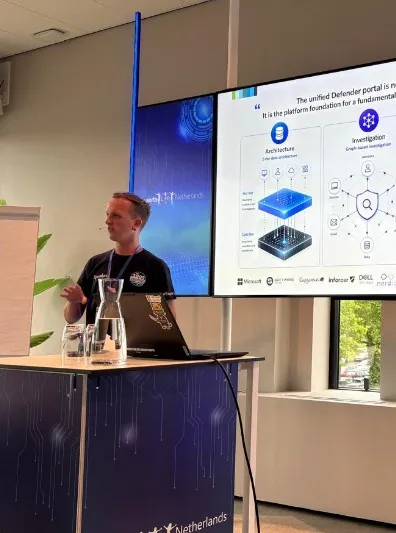
Delivered personally by Jeffrey Appel: Microsoft MVP since 2022 and Microsoft Valuable Security Researcher since 2023.
More about Jeffrey →Often combined with
Find out how strong your Defender really is.
Send a short message. Jeffrey gets back to you personally.